
Before funding your exchange account, enable key security settings to protect your assets. Activate two-factor authentication to add an extra layer of protection and set up withdrawal whitelists to restrict withdrawals to trusted addresses. Use strong, unique passwords and consider employing a password manager. Enable account activity alerts and regularly review your security options. Taking these steps now will help safeguard your funds; keep going to learn more essential security practices.
Key Takeaways
- Activate Two-Factor Authentication (2FA) using apps like Google Authenticator or Authy.
- Set up withdrawal whitelists to restrict transfers to trusted addresses.
- Use strong, unique passwords and consider a password manager for secure storage.
- Enable email or SMS alerts for account activities to monitor suspicious actions.
- Verify account security settings and review permissions before funding your exchange account.
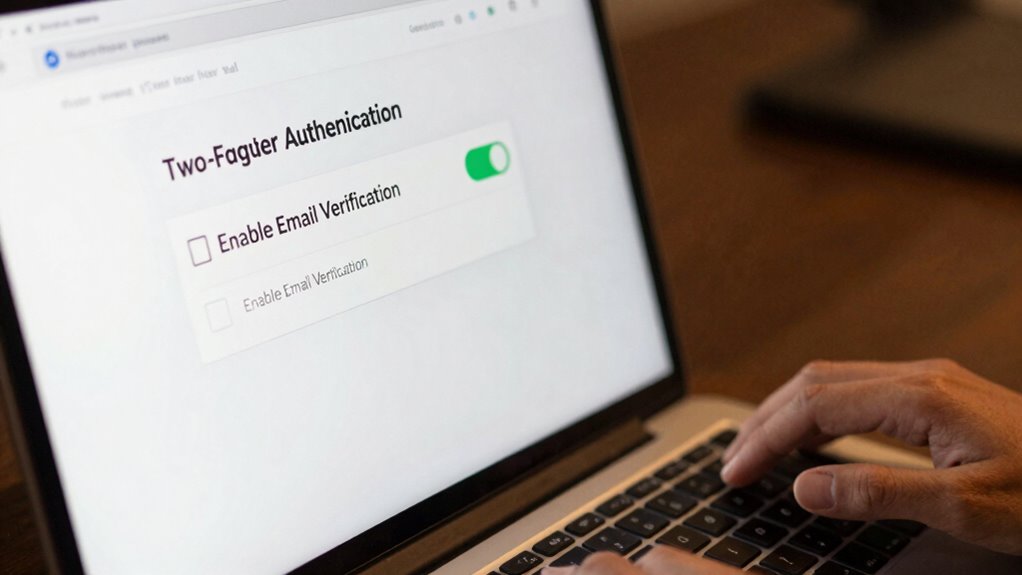
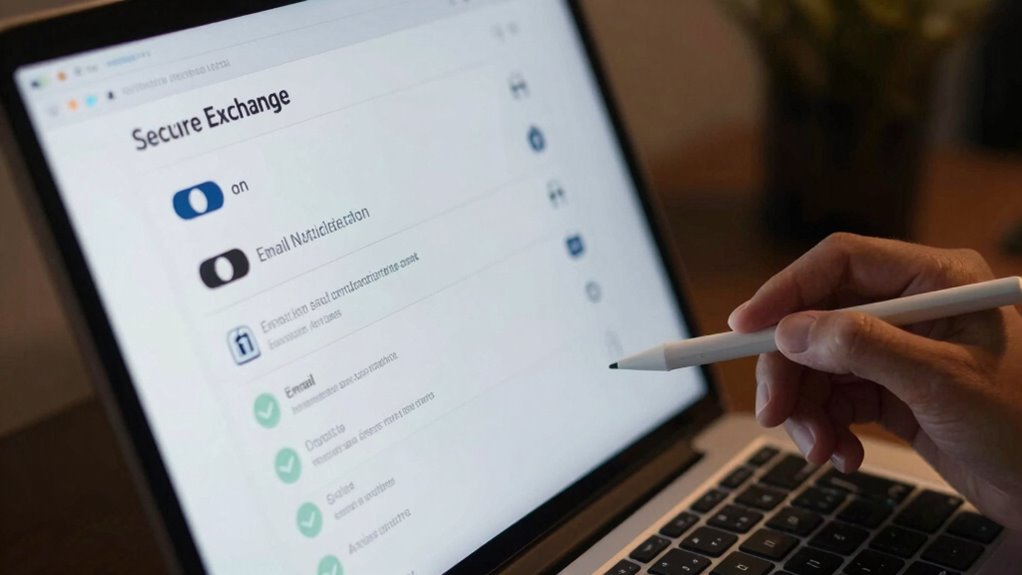
Are you aware of how essential exchange security is for protecting your digital assets? Before you start funding your account, it’s imperative to set up fundamental security features that can prevent unauthorized access and minimize potential losses. Two-factor authentication (2FA) is one of the most effective tools you can activate. It adds an extra layer of security by requiring a unique code generated on your mobile device every time you log in or perform sensitive actions. This means even if someone manages to steal your password, they still can’t access your account without that second verification step. Enabling 2FA is straightforward, but many newcomers overlook it, leaving their accounts vulnerable. Make sure to choose a reputable authentication app, like Google Authenticator or Authy, and keep your backup codes in a safe place in case you lose access to your device.
Another critical security measure involves setting up withdrawal whitelists. Think of this as creating a trusted list of addresses where you’re comfortable sending your funds. Instead of allowing withdrawals to any address, you can restrict withdrawals solely to addresses you’ve pre-approved. This way, if someone gains unauthorized access to your account, they won’t be able to drain your funds to an unknown destination. Always verify and double-check your whitelist addresses before adding them, and periodically review the list to confirm it’s up to date. Some exchanges allow you to set multiple whitelists for different purposes, giving you flexibility and control over your transactions.
Beyond enabling 2FA and withdrawal whitelists, it’s prudent to use strong, unique passwords for your exchange accounts. Avoid common or easily guessable passwords, and consider using a password manager to keep track of them securely. Also, be cautious of phishing attempts; always verify you’re on the official exchange website before entering login details or personal information. Regularly review your account activity, watch for any suspicious logins, and enable email or SMS alerts for significant account actions. These proactive steps create multiple layers of security, making it harder for malicious actors to compromise your account. Additionally, understanding Vetted security practices can further enhance your protection against emerging threats.
![Thetis Pro FIDO2 Security Key Passkey with Complex Pin [PinPlex], Hardware Device Supports USB A, Type C &NFC, TOTP/HOTP Authenticator APP, PIV Certificates, FIDO 2.0 Two Factor Authentication 2FA MFA](https://m.media-amazon.com/images/I/31ugrBqG6SL._SL500_.jpg)
Thetis Pro FIDO2 Security Key Passkey with Complex Pin [PinPlex], Hardware Device Supports USB A, Type C &NFC, TOTP/HOTP Authenticator APP, PIV Certificates, FIDO 2.0 Two Factor Authentication 2FA MFA
Dual USB-A and USB-C Security Key – Features both USB-A and USB-C connectors for seamless compatibility across desktops,…
As an affiliate, we earn on qualifying purchases.
As an affiliate, we earn on qualifying purchases.
Frequently Asked Questions
How Often Should I Update My Exchange Account Security Settings?
You should update your exchange account security settings regularly, ideally every three to six months. This helps guarantee your account recovery options are current and your two-factor authentication remains effective. Frequent updates reduce the risk of unauthorized access and keep your security measures strong. Whenever you notice suspicious activity or after any security breach, update your settings immediately to protect your account. Staying proactive is key to maintaining your account’s safety.
What Are Common Signs of a Compromised Exchange Account?
Like a sudden storm, a compromised exchange account reveals itself through unusual activity. You might see unexpected login attempts, unfamiliar IP addresses, or sudden email send-outs. Signs include strange emails, phishing prevention failures, or password complexity issues—like easily guessable passwords. Stay vigilant, monitor activity closely, and update your security settings regularly to catch these warning signs early, preventing potential damage before it worsens.
Can I Enable Security Features After Funding My Account?
Yes, you can enable security features after funding your account. It’s highly recommended to activate two-factor authentication and phishing protection immediately. Doing so helps safeguard your account from unauthorized access and scams. Even if you’ve already funded your account, enabling these settings now fortifies your security posture. Don’t wait—secure your account now to prevent potential threats and ensure your funds stay protected.
Are There Specific Security Settings for Mobile Exchange Access?
Think of mobile exchange access as your digital fortress; you need the right keys to stay protected. You should enable mobile authentication to verify your identity and restrict app permissions to prevent unauthorized access. These security settings guarantee your account remains safe while you access your email on the go. Don’t forget to regularly review and update these options, keeping your mobile security tight and your information secure.
How Do I Verify the Security of My Exchange Platform?
To verify your exchange platform’s security, make certain you’ve enabled two-factor authentication, which adds an extra layer of protection. Check for phishing prevention measures like email filters and security alerts, and make sure your platform uses encryption for data transmission. Regularly review your account activity for suspicious actions, keep software updated, and use strong, unique passwords. These steps help confirm your platform’s security and safeguard your funds effectively.
cryptocurrency exchange withdrawal whitelist setup
As an affiliate, we earn on qualifying purchases.
As an affiliate, we earn on qualifying purchases.
Conclusion
By enabling essential security settings before funding your account, you protect your assets from potential threats. For example, imagine you’re about to deposit funds and realize you haven’t activated two-factor authentication—leaving your account vulnerable. Taking a few minutes to set up strong passwords, enable 2FA, and verify your email creates a secure environment. These simple steps safeguard your investments and give you peace of mind as you trade and grow your portfolio.
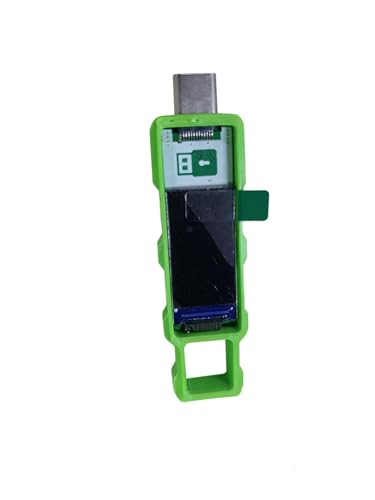
Password Keeper Offline Password Manager for Secure Storage (Green)
100% Offline & Secure Storage: This dedicated electronic device stores all your usernames, passwords, and notes locally. Your…
As an affiliate, we earn on qualifying purchases.
As an affiliate, we earn on qualifying purchases.

PILSAMAS WiFi Caregiver Pager Smart Call System – Display Caller ID & App Alerts, No Monthly Fee, IP65 Waterproof Wristband + 2 Call Buttons, Emergency Alert Button for Elderly at Home & Nursing Care
Wi-Fi Smart Hub & 328ft Range: HUB connects to 2.4G Wi-Fi (not 5G) for global APP access. 3…
As an affiliate, we earn on qualifying purchases.
As an affiliate, we earn on qualifying purchases.